
Wednesday, 6:15pm. Nine turned up, not fourteen. You have the pitch for an hour.
Your next session, planned by AI in seconds.
Tell Tactivo what you're working on and who's coming, and it builds the whole session for you. It tracks what you've covered all season, so you always know what's next.


- Generate sessions
- Track your season
- Save drills
- Favourite sessions
- 1,000+ drill variations
- Free to use
Free on iPhone and Android. No card needed.
A season has four corners. Tactivo plans against all of them.
-
Technical
On the ball. Touch, passing, dribbling, finishing
-
Tactical
Off the ball. Shape, pressing, decisions
-
Physical
Bodies. Speed, endurance, balance
-
Psych / Social
People. Resilience, teamwork, competing
Technical
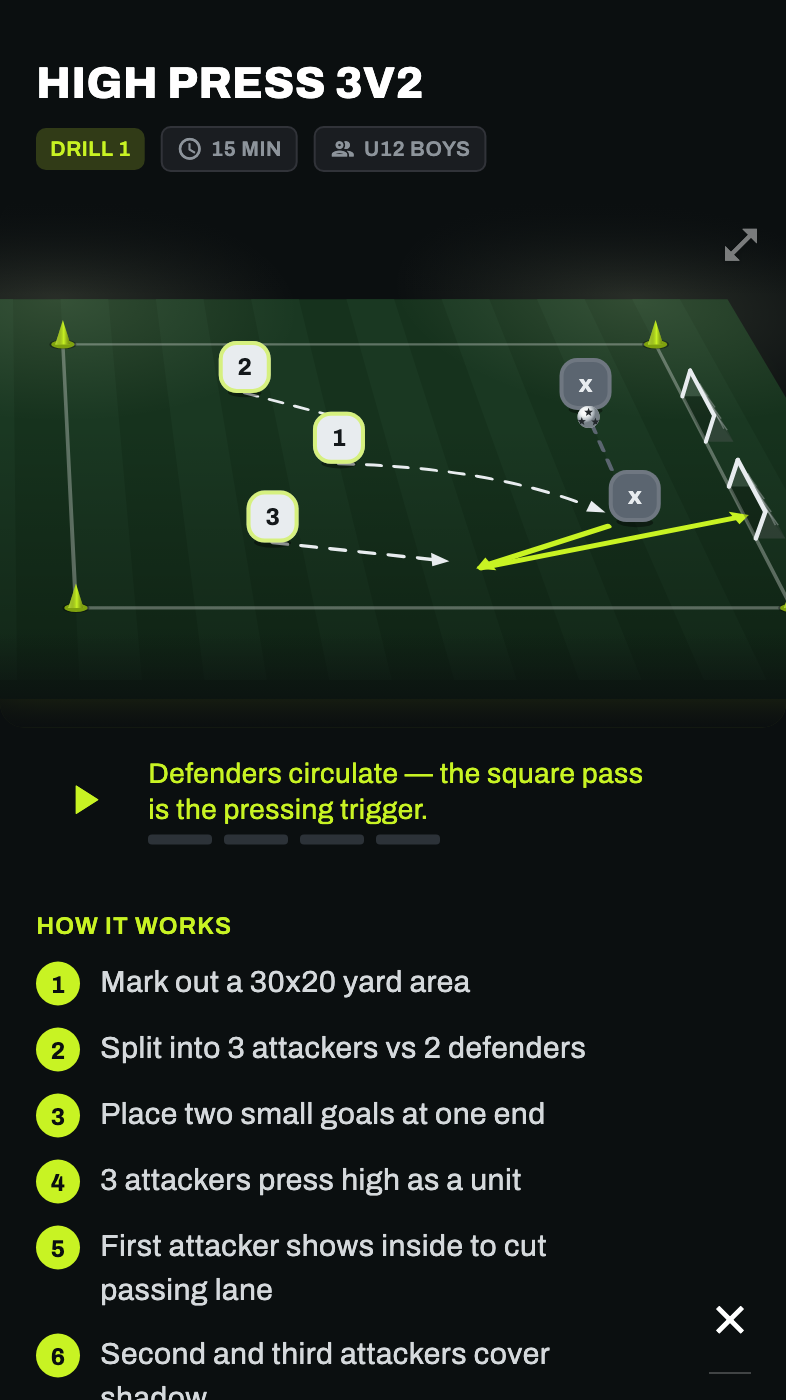
You can see the drill before you have to explain it.
Every drill in Tactivo plays as an animated scene on a 3D pitch. Who starts where. When the pass goes. Where the ball ends up. Where the run comes from.
Which means you are not stood in the rain at ten to seven decoding a static diagram with nine children waiting on you.
Rendered from the drill engine that plays inside the app.
Tactical
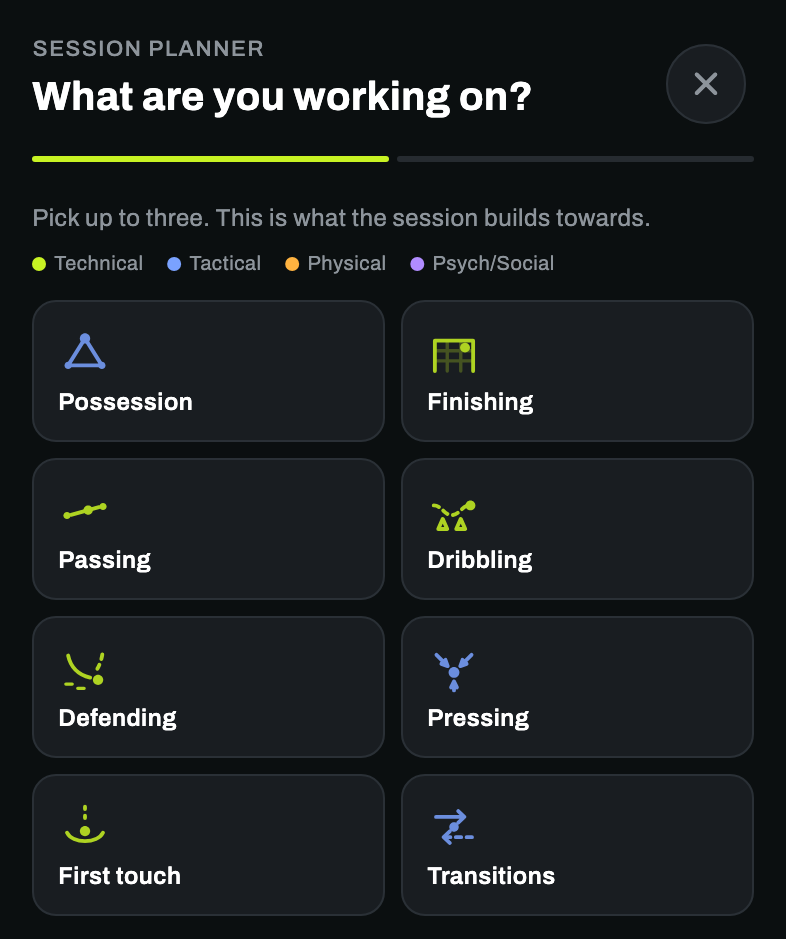
The AI planner asks two questions. Then it writes the session.
What is this session building towards, and who have you got. That is the whole interview. Tactivo then picks drills that fit the age band, orders them so the session actually flows, and sizes each one until the minutes add up.
Ask twice for the same thing and you get a different session that is still right. There is no single "U12 possession" answer to memorise.
5v2 Keep-Ball Warm-Up
6v3 Possession Box
Building With the Third Man
4v4 Plus Three
Physical
Nine turned up. The session still fits.
The same focus is a different session for a different team. Tactivo moves the grid, the numbers and the rules with the age band and the turnout, rather than handing you a drill for sixteen and wishing you luck.
| Group | Area | Shape | What changes |
|---|---|---|---|
| U8, 8 players | 20 × 20 m | 4v2, two grids | Shorter blocks, more touches each, rules kept to one |
| U12, 9 players | 30 × 20 m | 6v3 into 4v4+3 | Two-touch condition, a progression held back in case it lands early |
| U16, 14 players | 40 × 30 m | 7v7 with targets | Longer blocks, counter-press on the turnover, full-size demands |
The point of the four corners
Tactivo tells you the corner you have been quietly ignoring.
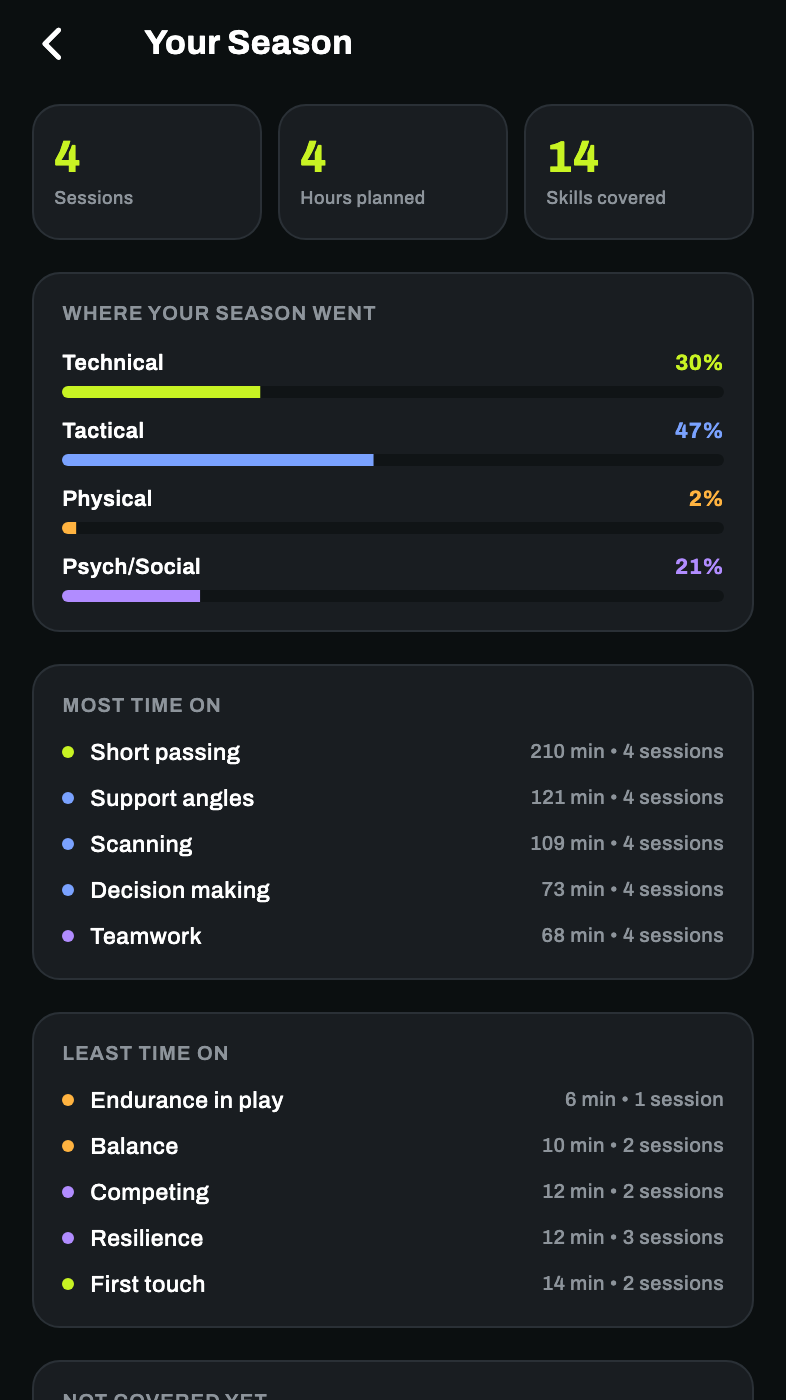
Every session you save is counted. After a few weeks the picture is honest, and usually uncomfortable, because most of us coach the thing we like coaching. Tap the gap and Tactivo plans the session that fills it.
Four sessions in, this coach has spent 2% of the season on physical work.
An example season, taken from the app running against demo data.
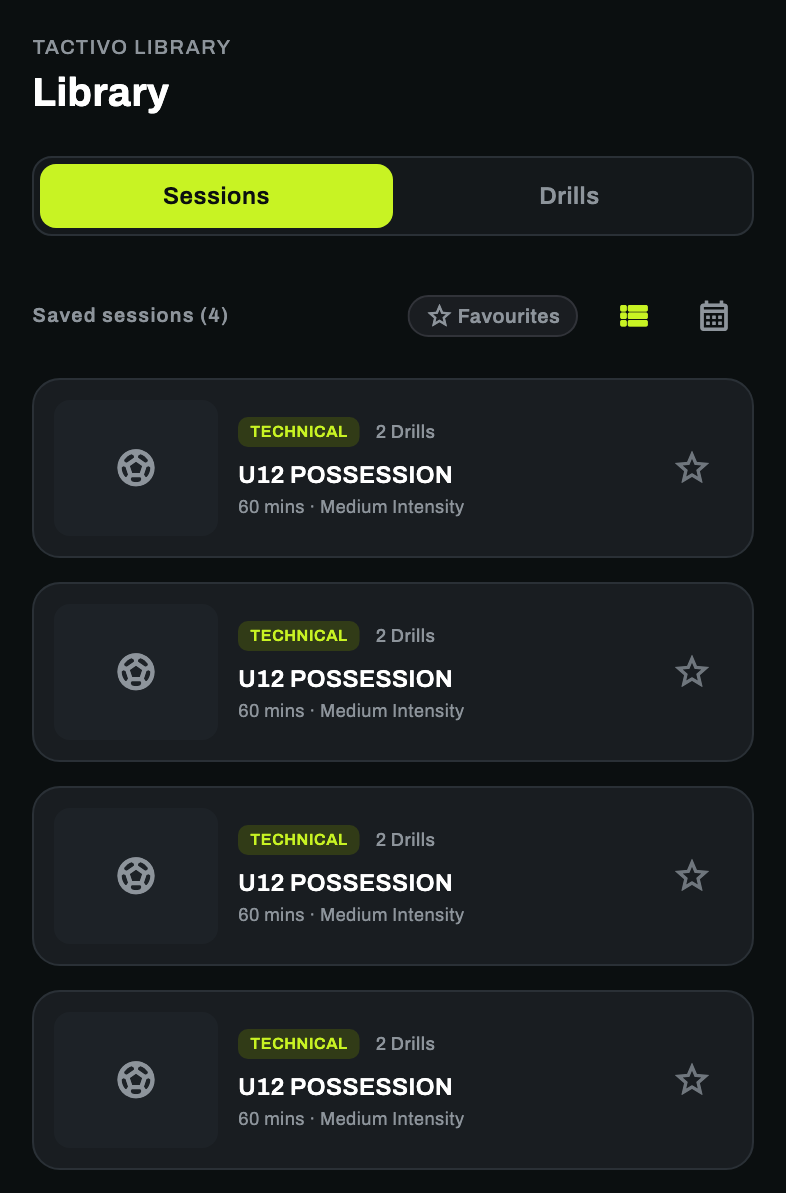
The library
AI plans the session. Coaches write every drill.
Over 1,000 variations of drills.
Every drill carries its setup, the steps in order, a coaching point worth saying out loud, a progression for when it lands early and a regression for when it does not. A real sample of what is in there:
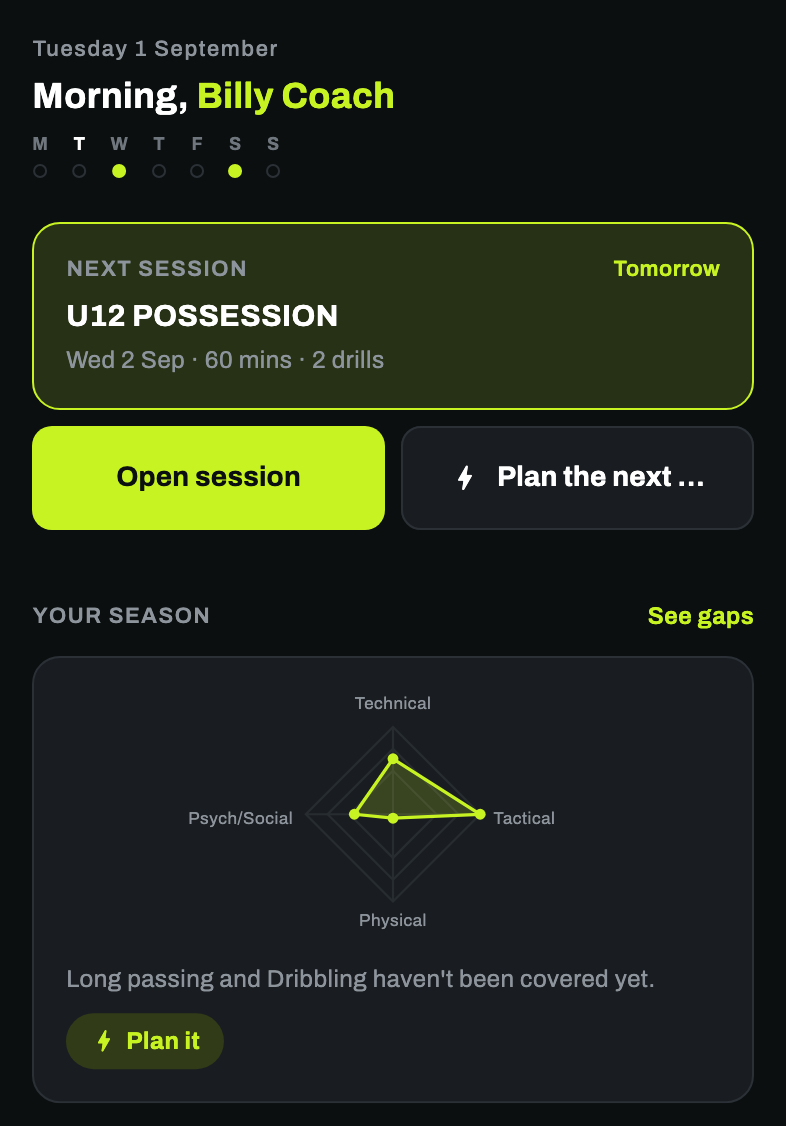
A week with Tactivo
From "training's Wednesday" to a season you can defend.
Out now
Get Tactivo on iPhone and Android
Free to download. Tell it who turned up and have tonight's session planned before you leave the car park.
Questions? Write to info@tactivo.co.uk.